
Welcome to The Commons Help Center

Find answers, how-to guides, and support resources — all in one place.

How to Download The Commons App

Getting Started

How to Download The Commons App

To get started with The Commons, please follow the instructions below based on your device type:

Last updated on 23 Jul, 2025

For Apple (iPhone/iPad) Users:

  1. Open the App Store on your device.

  2. Tap the Search tab.

  3. Type “The Commons: Students” in the search bar.

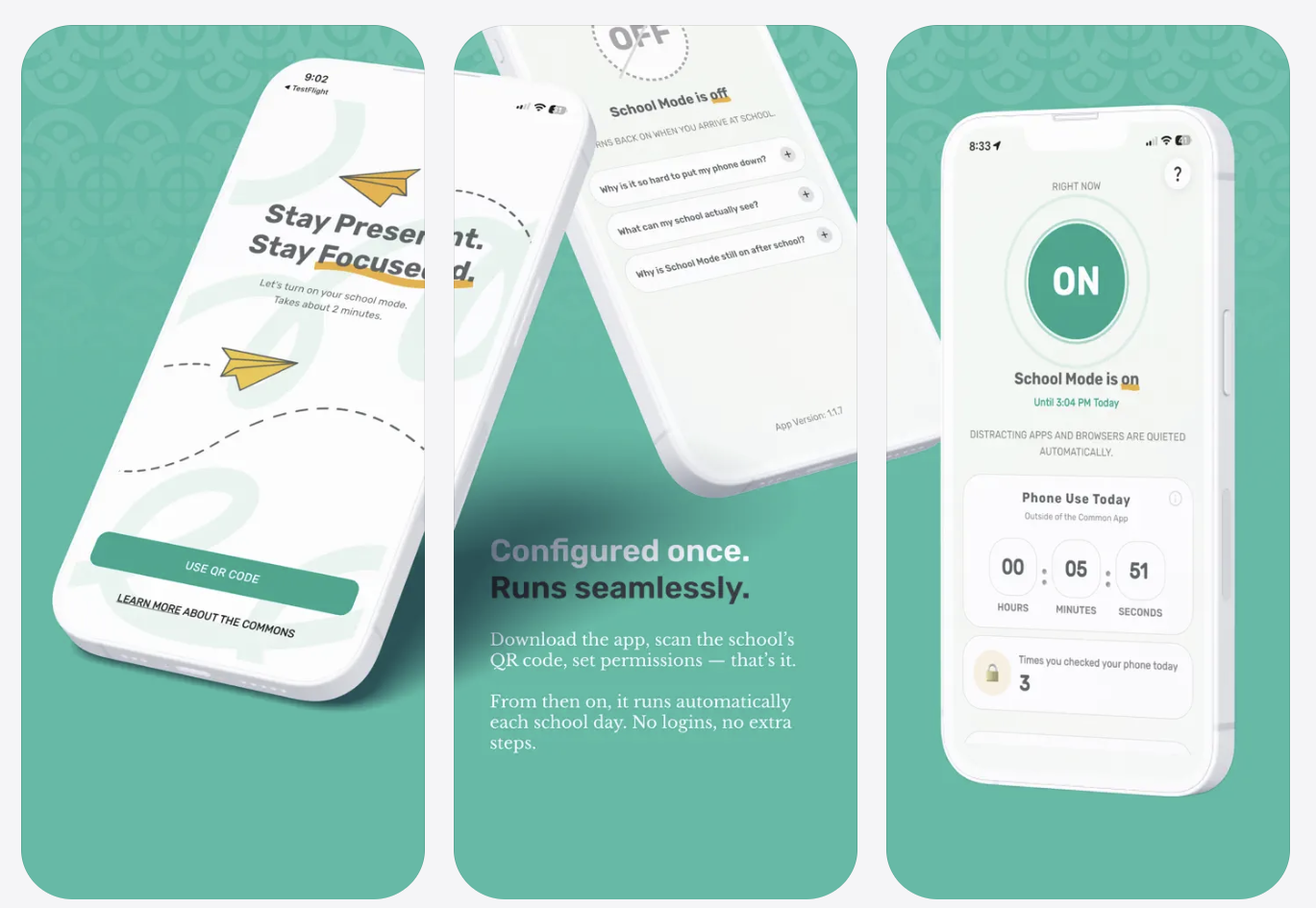
  4. Look for our app icon (see image below).

  5. Tap Get to download and install the app.

Or use this direct link: Download on the App Store

For Android Users:

  1. Open the Google Play Store on your device.

  2. Tap the Search icon.

  3. Enter “The Commons: Students”

  4. Find the correct app (see image below).

  5. Tap Install to download the app to your device.

Or use this direct link: Get it on Google Play
Was this page helpful?
Previous

Why does my iPhone alert me to multiple location accesses?

Next