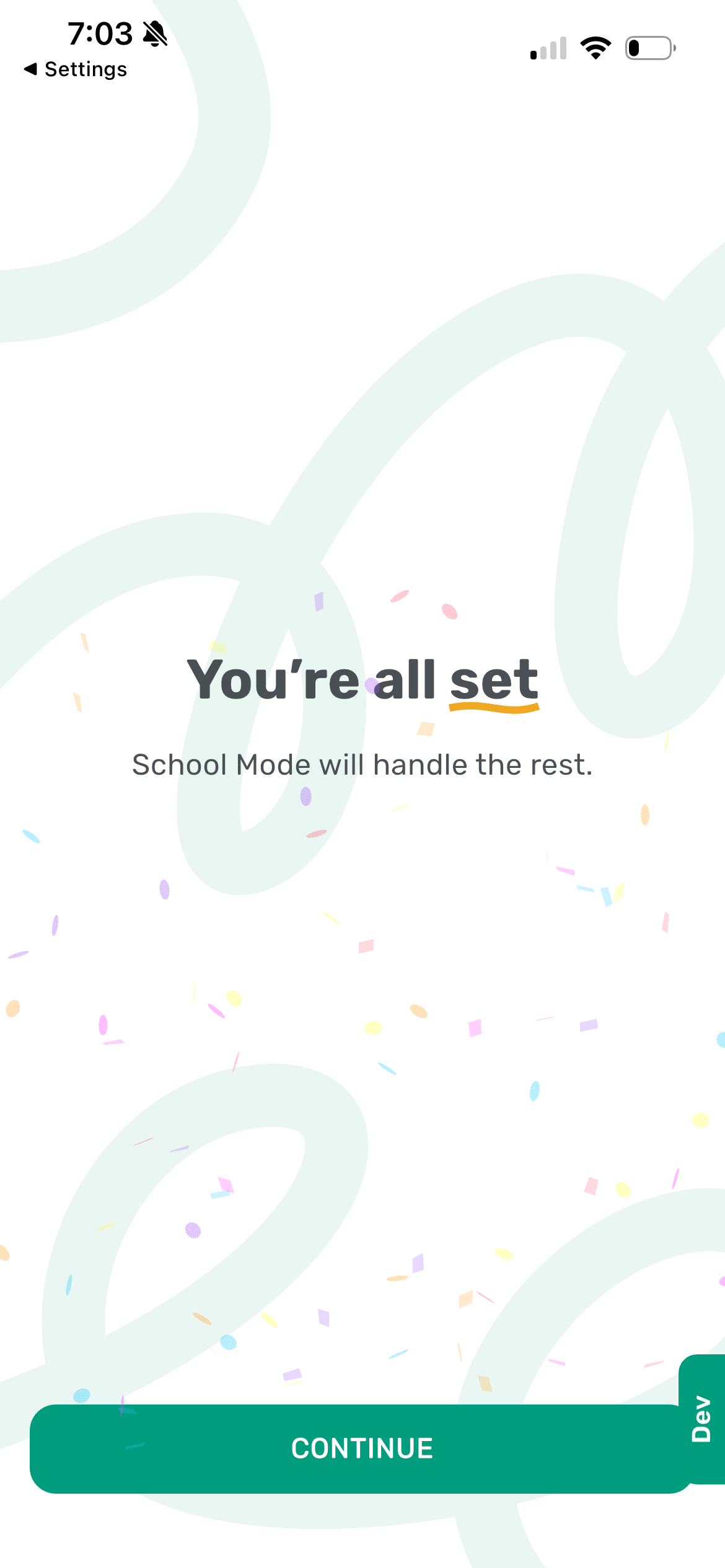

Once all required permissions are enabled, The Commons will confirm a successful setup and display the screen shown here.
If you downloaded the app at school during the school year - it will start working automatically.
Otherwise, the home screen of the app will tell you that The Commons is off.
The app will automatically activate once you arrive on campus and enter your school's geofence.